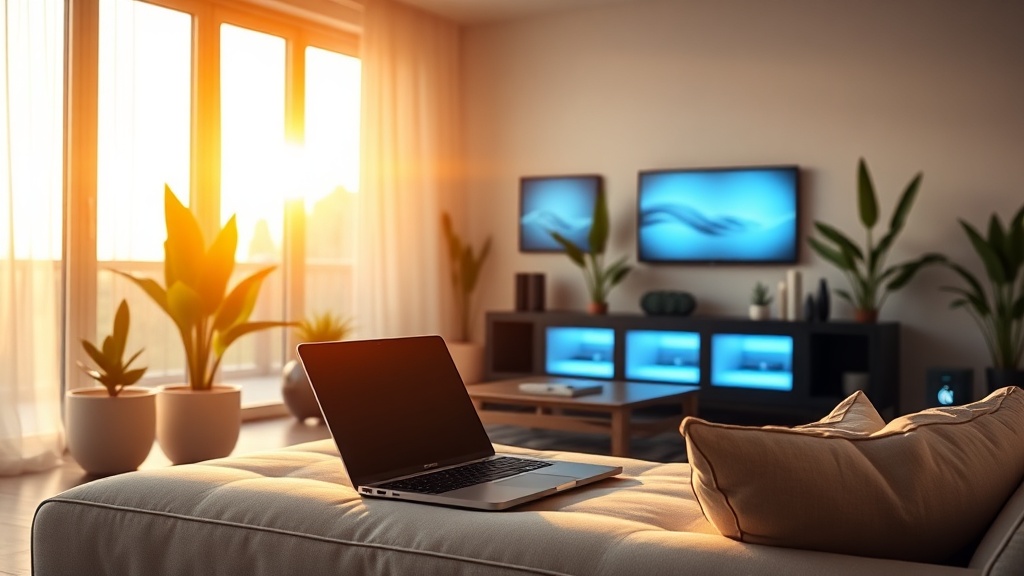
Algorithmic Spring Refresh for Bio‑Harmony & Circadian Rhythm

Ever wondered if your home could work for you like a well‑tuned algorithm? Imagine waking up to lights that mimic sunrise, temperature that shifts with your body’s core clock, and a to‑do list that syncs with your natural energy peaks—all without you lifting a finger.
Why does an algorithmic approach matter for spring?
Spring is nature’s reset button. Daylight lengthens, temperatures rise, and our bodies crave a new rhythm. Most freelancers treat spring cleaning as a chore, but the Spring Cleaning Eco Hacks post shows you can make it a strategic upgrade. By feeding your home’s smart devices data about your sleep‑wake cycle (the circadian rhythm), you turn a seasonal sweep into a bio‑harmony overhaul.
What is circadian‑aware automation?
At its core, circadian‑aware automation uses sensors and scheduling algorithms to align lighting, temperature, and even noise levels with the body’s 24‑hour hormone cycle. Research from the Harvard Health Publishing confirms that exposure to bright, blue‑rich light in the morning and warmer amber tones in the evening can improve sleep quality by up to 30%.
How do I set it up?
- Map your personal rhythm. Use a sleep‑tracking app (e.g., Sleep Cycle) for a week and note your natural wake‑up and sleep times.
- Choose compatible devices. Philips Hue, LIFX, or Nanoleaf bulbs support dynamic color temperature schedules. Nest or Ecobee thermostats can adjust temperature based on occupancy and time.
- Program the algorithm. Most platforms offer “routines” or “scenes.” Create a “Morning Rise” scene that ramps light temperature from 2000K to 6500K over 30 minutes, and a “Evening Wind‑Down” that dims to 2700K and lowers temperature by 2 °C.
- Integrate with your calendar. Use IFTTT or Home Assistant to trigger scenes based on your Google Calendar events (e.g., “Client Call” triggers a bright, focus‑enhancing lighting profile).
- Test and iterate. After a week, note energy levels and sleep quality. Adjust start times by 15 minutes if you feel groggy.
Which rooms benefit most?
Bedroom: Gradual sunrise simulation helps suppress melatonin, making waking easier. Evening amber lighting supports melatonin production for deeper sleep.
Home office: A Bio‑Harmony Home Office guide recommends “focus” light (6500K) during peak productivity windows and “relax” light (4000K) for admin tasks.
Living area: Sync music playlists with lighting cycles to reinforce alertness or relaxation. The Digital Declutter post notes that reducing blue‑light from screens after sunset boosts circadian alignment.
Can I automate my spring cleaning tasks?
Absolutely. Use a smart checklist app like Todoist with recurring tasks timed to your energy peaks. For example, schedule “dust surfaces” at 10 AM when cortisol levels are high, and “organize paperwork” at 3 PM when focus naturally wanes.
What are the pitfalls?
- Over‑automation. If every light change feels forced, you’ll revert to manual control. Start with one room.
- Data privacy. Many smart hubs collect usage data. Review privacy policies and disable unnecessary telemetry.
- Seasonal drift. As daylight saving ends, recalibrate your schedules. The DST Reset post walks you through a quick reset.
What’s the ROI for freelancers?
Better sleep translates to sharper focus, fewer sick days, and higher billable hours. In my own freelance practice, aligning my home office lighting with my circadian peaks shaved 2 hours off project turnaround times each month – that’s roughly $300 extra revenue at my $150 /hr rate.
Takeaway
Spring is the perfect moment to let algorithms do the heavy lifting. By syncing your smart home to your circadian rhythm, you create a bio‑harmony environment that fuels productivity, health, and peace of mind. Start small, iterate, and watch your freelance business thrive without the 3 AM panic.
FAQs
- What is the best light temperature for morning wake‑up? Aim for 6500K (cool white) and increase brightness gradually over 30 minutes.
- Do I need a pricey smart hub? Not necessarily. Many bulbs work with Bluetooth or Wi‑Fi directly, though a hub like Apple HomeKit simplifies scheduling.
- How often should I adjust my algorithm? Review monthly; seasonal changes in daylight length often require a 15‑minute shift.